ODROID C4
The ODROID-C4 is a single-board computer from Hardkernel powered by the Amlogic S905X3 SoC. It offers a compact form factor with capable processing power at a low price point.
Key Features
- Amlogic S905X3: quad Cortex-A55 at up to 1.9 GHz
- Mali-G31 MP2 GPU
- 4 GB DDR4 RAM
- eMMC module socket and MicroSD card slot
- Gigabit Ethernet
- 4x USB 3.0, 1x USB 2.0 OTG
- HDMI 2.0 (up to 4K@60)
- 40-pin GPIO header
- IR receiver
Building/installing an image
git clone https://github.com/YoeDistro/yoe-distro.gitcd yoe-distro. ./envsetup.sh odroid-c4yoe_setupbitbake yoe-simple-image- Insert SD card
lsblk(note SD card device, and substitute for /dev/sdX below)yoe_install_image /dev/sdX yoe-simple-imagesudo eject /dev/sdX- Install SD card in the ODROID-C4 and apply power
Serial Console
The debug UART is available on the 40-pin GPIO header. Connect a 3.3V USB-to-serial adapter:
- Pin 6 (GND) to GND
- Pin 8 (TX) to RX
- Pin 10 (RX) to TX
Serial settings: 115200 baud, 8N1.
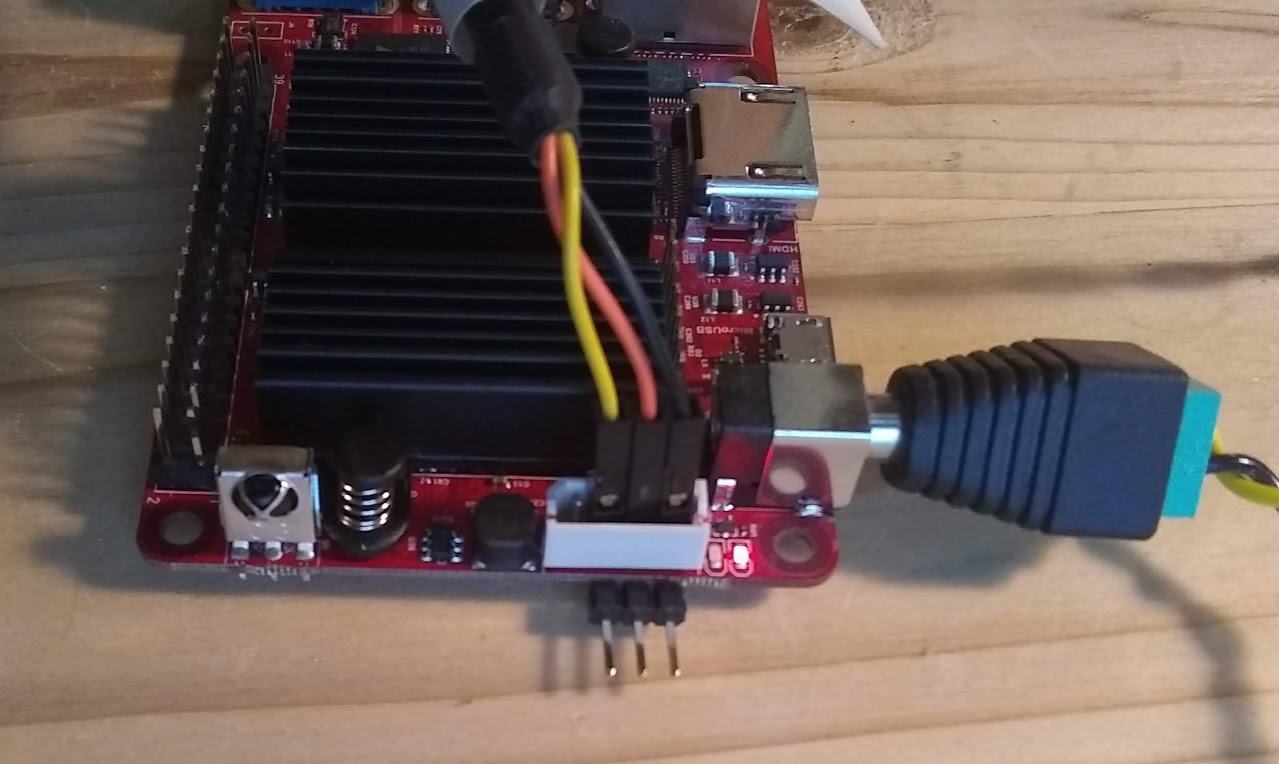
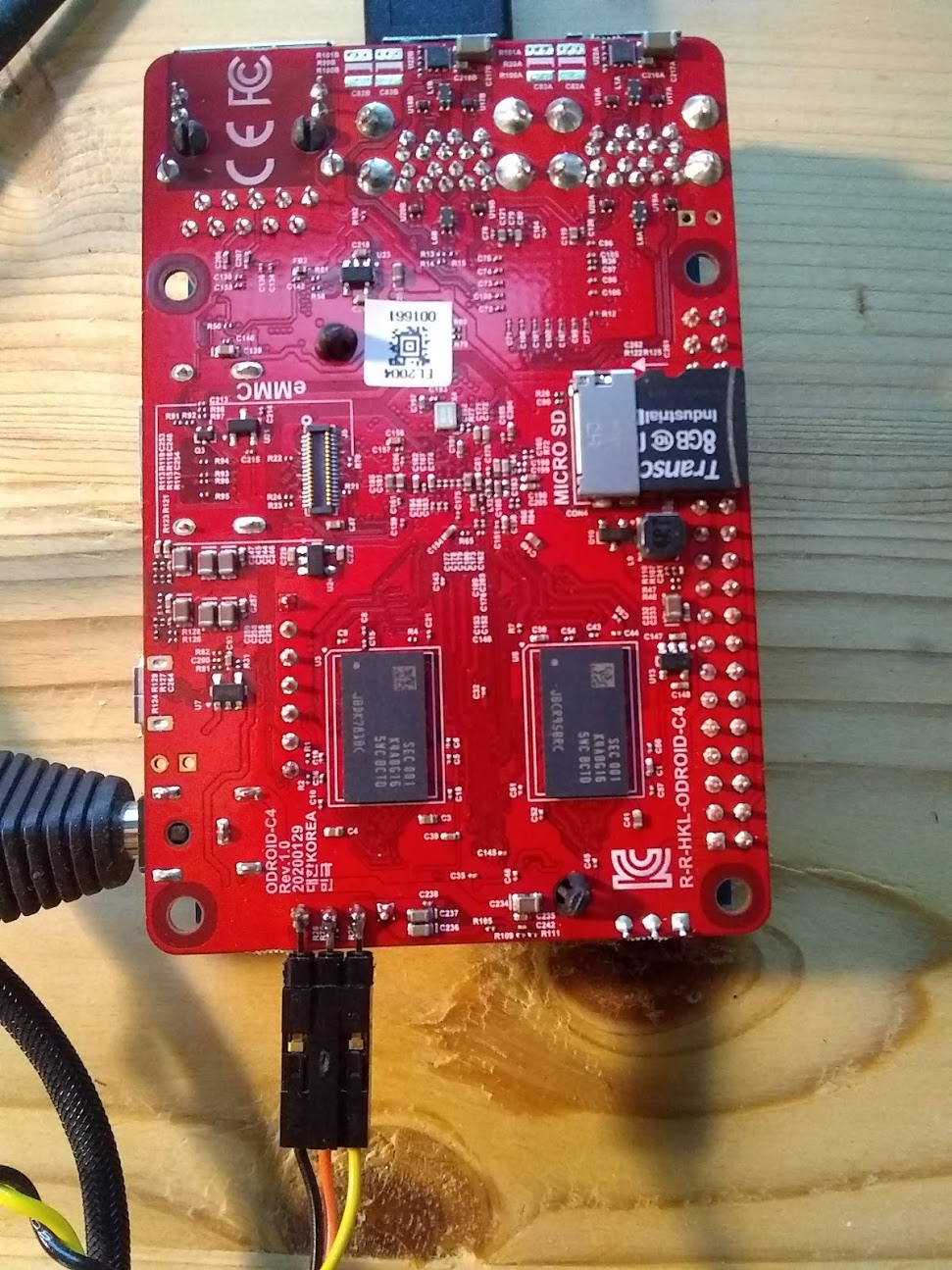
Although ODROID provides a serial console adapter, many of us have rPi-style flying-lead cables on hand. These can be attached directly to the connector on the ODROID. If you have a HAT on the board, then an option is to solder a small header on the bottom as shown below.